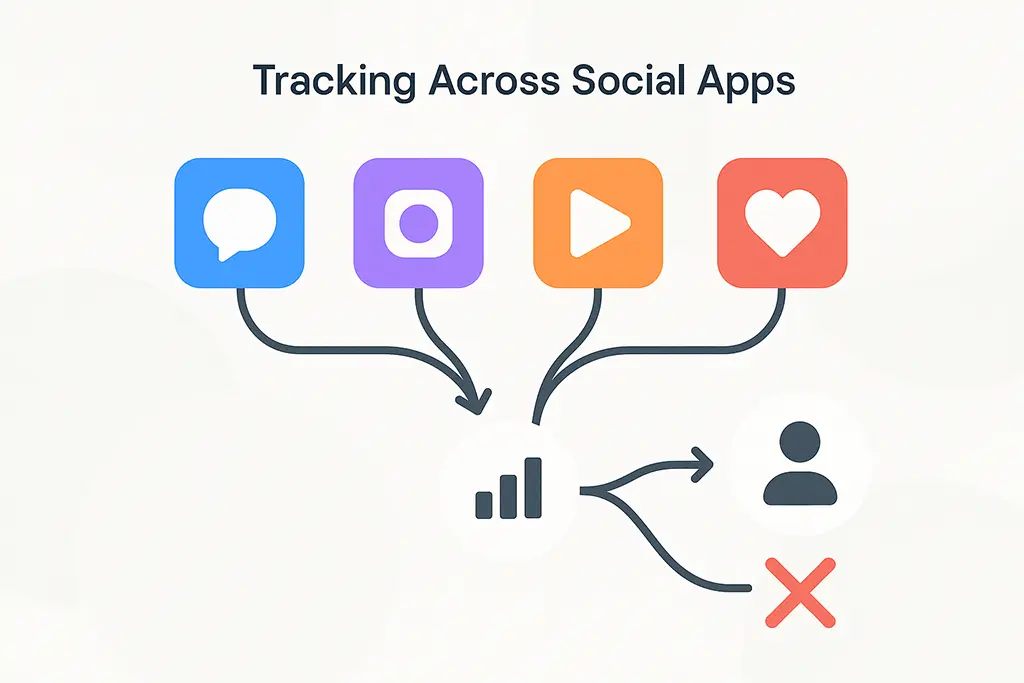
Introduction: Why Social App Tracking Breaks in Ways You Cannot See
The most frustrating attribution failures are the silent ones. Not the broken links, not the 500 errors — those are easy to find. The dangerous failures are campaigns that look like they underperformed because traffic arrived without source attribution, got lumped into Direct, and quietly distorted every downstream decision made from that report.
Social app tracking fails in exactly this way. The traffic is real. The clicks happened. But somewhere between the user tapping a link in Instagram and GA4 recording a session, the attribution chain broke — no error, no alert, just missing data dressed up as Direct traffic.
This article covers the specific mechanisms that cause tracking to break inside social apps: how in-app browsers differ from system browsers at the HTTP layer, which platforms are the worst offenders, why UTM parameters are not enough on their own, and what a resilient tracking architecture actually looks like in production. This is not a conceptual overview — it is a technical breakdown of what happens at each hop.
The Modern Social App Environment
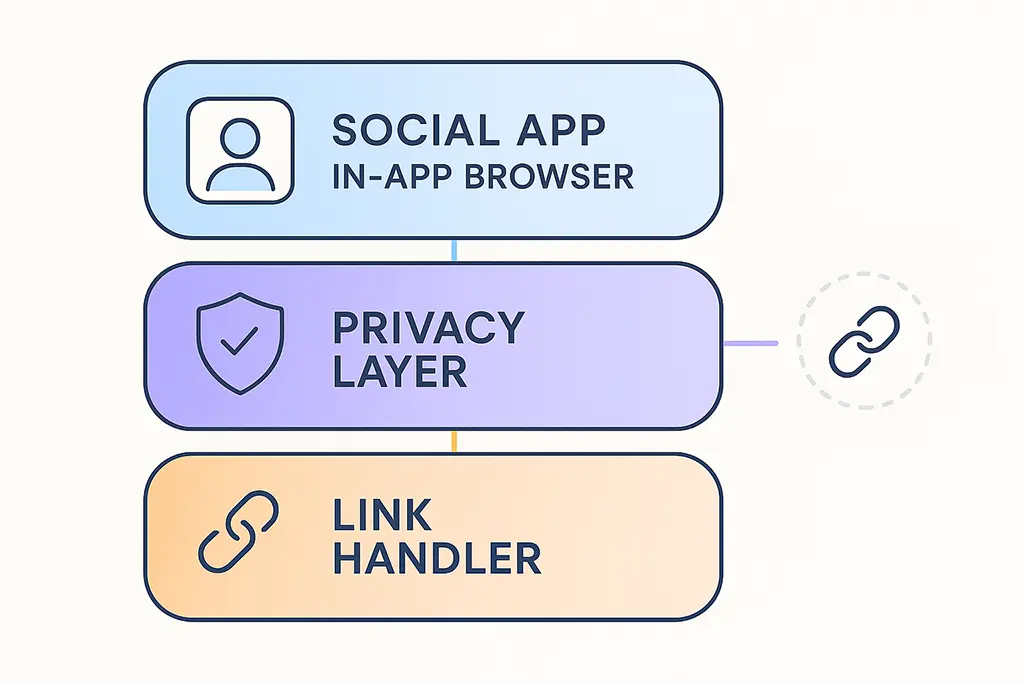
Most social platforms have replaced system browser handoffs with embedded WebViews. When a user taps a link in Instagram, TikTok, or Facebook, the content loads inside the app's own browser component rather than launching Chrome or Safari. This is not a minor implementation detail — it fundamentally changes the network and JavaScript environment your tracking code runs in.
WebView implementations vary significantly. iOS WKWebView (used by most iOS apps) has its own cookie storage, isolated from Safari. Android WebView can be configured by the host app to restrict JavaScript, block third-party requests, or intercept URLs before they load. Neither of these behaves identically to the system browser, and neither is required to.
The practical consequences for analytics: third-party cookies are blocked or isolated, referrer headers are modified or stripped, JavaScript analytics libraries may initialize after the first pageview fires, and URL handling can differ from spec in ways that drop query parameters. Any one of these breaks attribution. In social app environments, you often encounter several simultaneously.
Why Desktop Tracking Logic Fails on Social Mobile Traffic
Tracking infrastructure built primarily for desktop web traffic makes assumptions that social apps violate at every layer. A clean Referer header. Cookies persisting across navigation. JavaScript executing synchronously before the first event fires. A single redirect from source to destination. None of these hold reliably in social app WebViews.
The clearest symptom is the Direct traffic spike pattern: you launch a social campaign, you see increased sessions in GA4, but the source attribution is Direct/None rather than the social platform. The traffic arrived. GA4 just had no UTM context when the session started — because the referrer was stripped, the redirect chain broke, or the analytics script initialized too late.
This pattern is not measurement noise. It is a specific failure in the attribution handoff that becomes predictable once you understand the mechanism.
Platform-by-Platform: What Actually Happens to Your Links
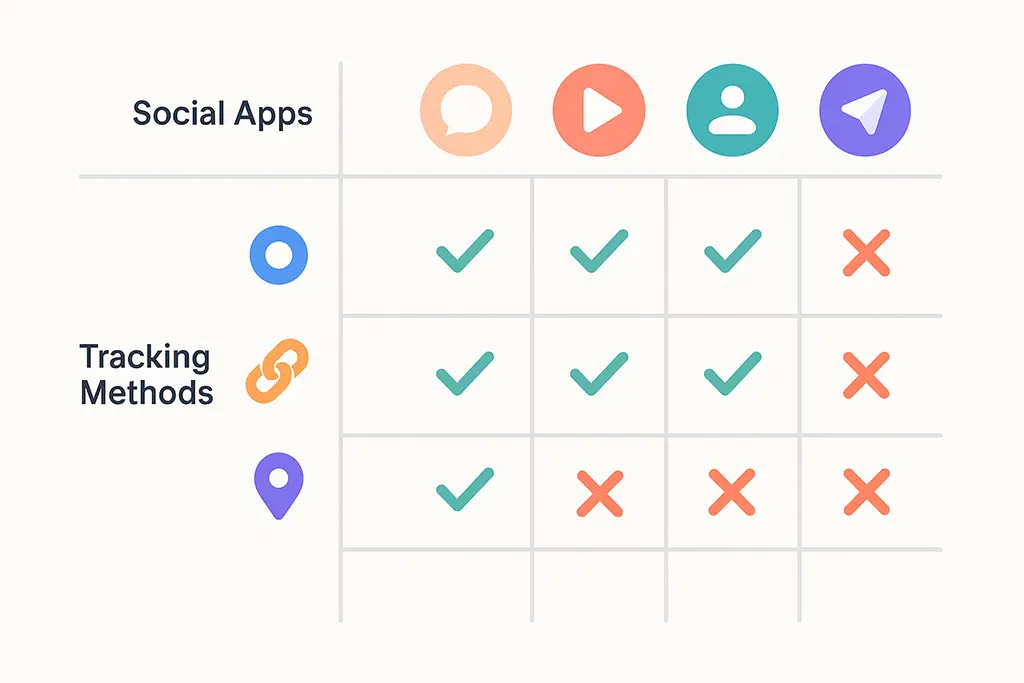
Not all social platforms degrade tracking equally. Understanding the specific behavior of each platform lets you design around their failure modes rather than discovering them post-campaign.
Facebook and Instagram wrap external links through Facebook's redirect system before opening them in their in-app browser. The intermediate redirect adds a hop you do not control, and the in-app browser uses a modified WKWebView on iOS that isolates storage from Safari. UTM parameters generally survive if your redirect chain does not add additional hops — the Facebook redirect itself passes query strings through. The bigger issue is cookie isolation: any cross-site tracking that relies on cookies set by a previous session will not work.
LinkedIn routes external links through lnkd.in, its own redirect service.
This introduces a domain change in the referrer chain: the Referer header your server receives is
lnkd.in, not linkedin.com. LinkedIn's in-app browser on mobile is particularly
aggressive about stripping referrers. UTM parameters still pass through, but referrer-based attribution
in GA4 (which you might see as "linkedin.com" in default channel groupings) may show as Direct if
your analytics relies on Referer rather than UTM source.
X (Twitter) uses t.co as its intermediary redirect for all links. Every
URL posted on the platform is rewritten to a t.co short link, regardless of whether you
used your own short link. This means your link goes through at least two redirect hops before reaching
your destination: the t.co redirect, then your short link redirect, then the destination.
X's in-app browser on iOS has historically had the most permissive behavior of the major platforms,
but that is platform policy and can change.
TikTok is the most opaque. Its in-app browser is heavily sandboxed, blocks most third-party JavaScript, and consistently strips referrer headers. UTM parameters can survive if they reach the destination URL intact, but first-party analytics scripts often fail to initialize correctly in TikTok's WebView environment. Server-side click logging is essentially required if you want reliable click counts from TikTok traffic.
Messaging apps (WhatsApp, Telegram, iMessage) are a different category. These are not social platforms — they are communication channels — but they exhibit some of the most interesting tracking behavior. Link previews cause URLs to be prefetched by servers before the user ever taps the link. If your click logging fires on GET request rather than on actual user interaction, you will see click counts that significantly exceed actual user sessions.
UTM Parameters: What Actually Survives and What Does Not
UTM parameters are the most reliable tracking mechanism available in social environments, precisely because they live in the URL itself rather than in headers or cookies. As long as the full URL reaches the destination page, GA4 can reconstruct attribution regardless of what happened to the Referer header.
The conditions required for UTMs to survive are stricter than most documentation implies:
Every redirect hop must pass the full query string. A 301 or 302 redirect that does not include
the original query parameters will strip your UTMs silently. This is worth testing explicitly with
curl -v rather than assuming:
# Test that your redirect passes UTM parameters
curl -v "https://vvd.im/abc?utm_source=test&utm_medium=social&utm_campaign=debug" 2>&1 | grep -E "(Location|HTTP/)"

# Expected output — the Location header should include the full query string:
# HTTP/2 302
# location: https://your-destination.com/page?utm_source=test&utm_medium=social&utm_campaign=debug
If the Location header is missing the UTM parameters, the issue is in your redirect
implementation. In Spring Boot, the redirect handler needs to explicitly merge query parameters:
@GetMapping("/{code}")
public ResponseEntity redirect(
        @PathVariable String code,
        HttpServletRequest request) {

    ShortLink link = linkService.resolve(code);
    String destination = link.getDestinationUrl();
    String incomingQuery = request.getQueryString();

    // Merge any query params passed at click time into the destination URL
    if (incomingQuery != null && !incomingQuery.isBlank()) {
        boolean destinationHasQuery = destination.contains("?");
        destination = destination + (destinationHasQuery ? "&" : "?") + incomingQuery;
    }

    return ResponseEntity.status(HttpStatus.FOUND)
        .location(URI.create(destination))
        .build();
}
The second condition is that the destination page must not trigger a client-side navigation reset
before GA4's tracking snippet fires. Single-page applications that handle routing in JavaScript
are particularly vulnerable here — the initial URL load may be replaced with a hash-based or
history-based route before gtag or the GA4 SDK captures the original parameters.
Server-Side Click Logging: The Attribution Safety Net
In-app browsers, privacy layers, and aggressive ad blockers create an irreducible floor on client-side analytics accuracy. GA4 will always miss some portion of social app traffic — the question is how much, and whether you know it. Server-side click logging at the redirect layer provides a second data stream that is immune to all of these client-side failure modes.
Every click on a vvd.im link is logged server-side before the redirect fires. This happens at the HTTP layer, before any browser behavior, before any JavaScript, before any in-app WebView sandbox can interfere. The log includes the User-Agent, Referer, IP, and timestamp — enough to identify which platform sent the traffic even when GA4 attributes it to Direct.
@Service
public class ClickLoggingService {

    private final RedisTemplate redis;
    private final ClickRepository clickRepository;
    private static final Duration REDIS_TTL = Duration.ofHours(24);

    public CompletableFuture logClickAsync(String code, HttpServletRequest request) {
        return CompletableFuture.runAsync(() -> {
            String ts = String.valueOf(System.currentTimeMillis());
            String clickKey = "click:" + code + ":" + ts;

            String ua = Optional.ofNullable(request.getHeader("User-Agent")).orElse("");
            String referer = Optional.ofNullable(request.getHeader("Referer")).orElse("");
            String platform = detectPlatform(ua, referer);

            Map data = Map.of(
                "ua", ua,
                "referer", referer,
                "platform", platform,
                "ip", getClientIp(request),
                "ts", ts
            );

            redis.opsForHash().putAll(clickKey, data);
            redis.expire(clickKey, REDIS_TTL);

            // Atomic increment for real-time counts — flushed to MariaDB in batch
            redis.opsForValue().increment("clickcount:" + code);
        });
    }

    private String detectPlatform(String ua, String referer) {
        if (ua.contains("Instagram")) return "instagram";
        if (ua.contains("FBAN") || ua.contains("FBAV")) return "facebook";
        if (ua.contains("LinkedInApp")) return "linkedin";
        if (ua.contains("TikTok")) return "tiktok";
        if (referer.contains("t.co") || referer.contains("twitter.com")) return "twitter";
        return "unknown";
    }
}
The comparison between server-side click counts and GA4 session counts is the most useful diagnostic metric for social attribution health. A gap of 10-15% is normal — bots, link prefetchers, and users who immediately close the page will skew click counts higher. A gap above 25-30% usually indicates a specific attribution failure worth investigating: a redirect that strips UTMs, a JavaScript redirect in the chain, or a platform whose in-app browser is particularly aggressive.
Practical Guardrails for Social App Tracking
The implementation decisions that most affect social tracking reliability are not subtle. Each one reduces the number of failure modes in the attribution chain.
Keep redirects to a single hop. Every additional redirect is an additional opportunity for UTMs to be dropped, a session to reset, or a WebView sandbox to interfere. For link shortening, this means resolving the final destination URL server-side and returning it directly in the Location header rather than chaining through an intermediate tracking endpoint.
Use 302 for all campaign links. 301 responses are cached by browsers — which means subsequent clicks bypass your redirect server and your click logging entirely. For any link where you need both analytics and the ability to update the destination, 302 is the only correct choice.
Test links in the actual platform, not in a browser. Open your own Instagram, paste the link in a DM to yourself, and tap it. Check the GA4 DebugView in real time. If it shows Direct/None instead of your utm_source, something in the chain broke. Repeat for LinkedIn mobile, TikTok, and Facebook. The differences between platforms are significant enough that desktop testing does not predict mobile in-app behavior reliably.
Add UTMs to every social link, every time, without exception. Even if the referrer header survives and GA4 correctly identifies the traffic source from context, explicit UTM parameters give you campaign and content granularity that cannot be inferred from referrer data alone.
Use a branded short domain rather than a generic shortener. Generic shorteners add a third-party domain to your redirect chain, introduce an additional hop you do not control, and can be blocked by enterprise firewalls or security software. A branded domain like vvd.im keeps the redirect infrastructure under your control and removes one unknown from the chain.
Why Attribution Gaps Have Budget Consequences
Attribution failures in social campaigns do not just produce messy reports. They produce incorrect performance signals that directly affect budget allocation decisions. A campaign that generated 10,000 real visits but shows 6,000 in GA4 — with the remainder in Direct — looks like it underperformed. If that campaign gets cut or reduced based on those numbers, the decision is wrong.
This pattern repeats at scale: social channels get credited for less than they actually drove, direct and branded search get over-credited because they absorb the attribution losses, and budget gradually shifts away from channels that were actually working. The error compounds over time because every subsequent decision is made from a baseline that was already incorrect.
Server-side click data does not fix this completely — it cannot tell you whether a click resulted in a conversion — but it provides a reality check on session counts that prevents the most egregious misattributions from going undetected.
The Attribution Floor: What You Should Expect to Measure
Expecting 100% attribution accuracy in social app environments is not a reasonable goal. Platform behavior will degrade some portion of your data regardless of how carefully you implement the tracking stack. The realistic goal is to minimize avoidable attribution loss, detect unavoidable loss, and factor it into how you interpret performance data.
Avoidable loss — broken redirect chains, missing UTMs, JavaScript redirects, uncached 301s — is fixable at the infrastructure level. Unavoidable loss — TikTok's WebView sandbox, iOS privacy restrictions, link prefetching by messaging apps — is not fixable, but it is measurable. The gap between your server-side click count and your GA4 session count is a rough measure of it.
Build your reporting with that gap in mind. If you know social traffic from TikTok consistently shows a 30% session attribution gap, you can apply a correction factor rather than treating GA4 numbers as ground truth. That is not a perfect solution, but it is more accurate than pretending the problem does not exist.