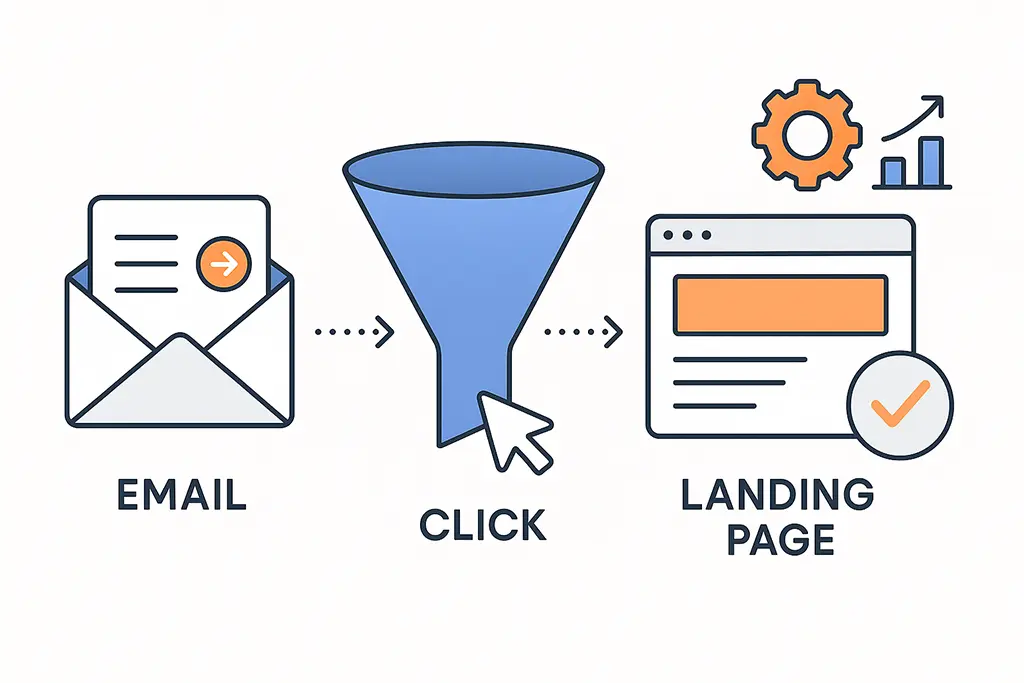
Why Email Clicks Don't Always Turn Into Conversions
Email is still one of the highest-ROI channels in most marketers' arsenals, yet the gap between "click-through rate looks great" and "where are the conversions?" is where campaigns quietly die. Teams celebrate the click metric, ship the next campaign, and wonder why revenue isn't moving.
The honest answer is usually not in the subject line or the send time. It's in the infrastructure between the inbox and the landing page — the redirect chain, the email client behavior, the session state at the moment of arrival. Click-to-conversion rate is a system problem before it's a copy problem.
Improving click-to-conversion rates is not about writing better subject lines. It's about understanding how email traffic behaves after the click — and how much of that behavior your current setup can't see.
The Hidden Journey of an Email Click
When a user clicks a link in an email, that click rarely travels directly to your landing page. The actual sequence is messier. Security scanners pre-fetch the URL before the user ever taps. Email clients open destinations in stripped-down in-app browsers with limited cookie access. Short links redirect across domains, potentially resetting sessions. Each hop is an opportunity for context to be lost.
The specific failure modes depend on where your user is reading the email. Apple Mail Privacy Protection preloads links and masks individual behavior — open events fire from Apple's proxy servers, not from users. Gmail routes outbound links through its own redirect layer before your server sees the request. Corporate environments may rewrite URLs entirely for security scanning, sometimes in ways that break tracking parameters.
By the time a click reaches your analytics platform, it has already survived a gauntlet of filters that your team probably hasn't fully mapped. What your dashboard shows is the subset of clicks that made it through.
Email Clients Are Not Neutral Messengers
The assumption that all email clients behave the same is one of the most expensive mistakes in email optimization. They don't. And the differences aren't edge cases — they affect the majority of email traffic for many senders.
Apple Mail with MPP enabled accounts for a significant share of email opens, particularly in B2C contexts. MPP preloads email content using Apple's proxy, which means your tracking pixel fires from an Apple IP, not from your user. Click events can be affected similarly depending on configuration. The result is that your open data is inflated and your click data may include automated prefetch requests that don't represent genuine user intent.
Gmail's click wrapping adds its own redirect layer. If you're also using a short URL service, that's two redirect hops before your branded domain. If your branded domain redirects to a CDN or separate tracking infrastructure, you're at three. Session cookies may not survive that chain depending on SameSite policy settings and the browser context the email opened in.
Your analytics platform only sees what survives these filters. The rest is silently discarded — and there's no error log telling you what you lost.
Short URLs in Email: Benefit and Risk
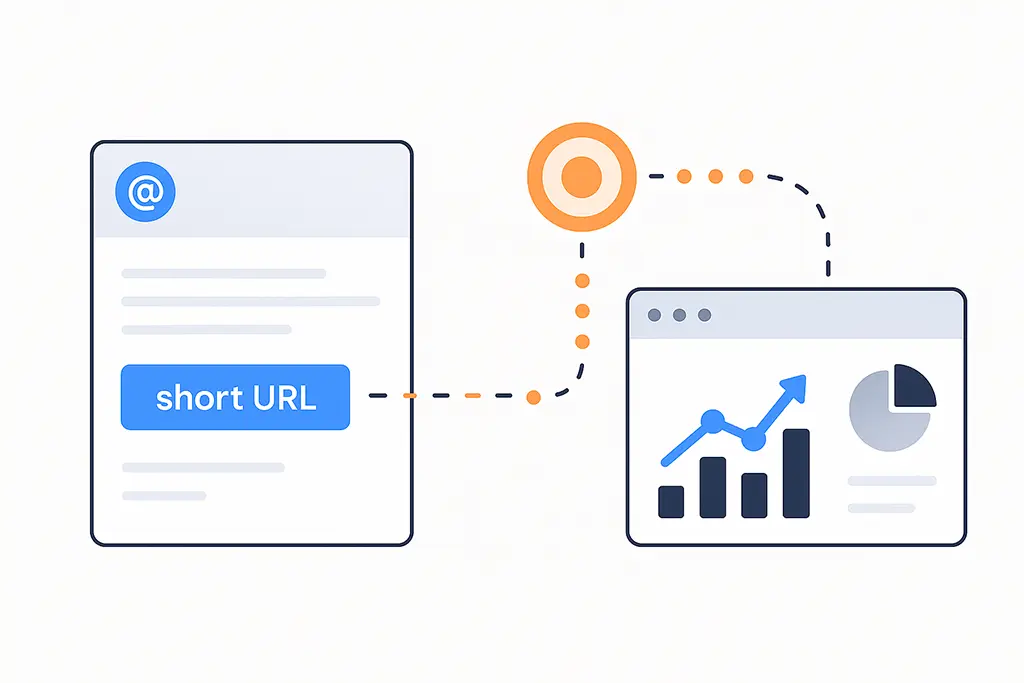
Short URLs have genuine value in email campaigns. They're visually cleaner, they don't break across line lengths, and a branded short domain builds trust in ways that a raw UTM-laden URL doesn't. The problem isn't the concept — it's the implementation.
Every redirect adds latency. In email, where in-app browsers are common and network conditions are variable, that latency directly affects whether the user stays or bounces before the page renders. Beyond latency, every domain boundary in a redirect chain is a potential session break. SameSite cookie restrictions, introduced broadly after Chrome 80, mean that cookies set on your destination domain may not survive a redirect chain that crosses through a different domain.
The practical rule for email is: you get one clean redirect. From the short link to the final destination, in a single hop, with parameters intact. Any additional intermediate step introduces compounding risk with no corresponding benefit.
Here's what a single-hop redirect handler looks like in Spring Boot, written to preserve parameters and avoid caching issues specific to email traffic:
@GetMapping("/{shortCode}")
public ResponseEntity<Void> redirect(
        @PathVariable String shortCode,
        @RequestParam MultiValueMap<String, String> incomingParams,
        @RequestHeader(value = "User-Agent", defaultValue = "") String userAgent) {

    String destination = linkService.resolve(shortCode);
    if (destination == null) {
        return ResponseEntity.notFound().build();
    }

    // Preserve all incoming parameters on the destination URL
    UriComponentsBuilder builder = UriComponentsBuilder.fromUriString(destination);
    incomingParams.forEach(builder::queryParam);

    HttpHeaders headers = new HttpHeaders();
    headers.setLocation(URI.create(builder.toUriString()));
    // Cache-Control: no-store prevents email security scanners from
    // caching the destination and polluting your redirect logs
    headers.setCacheControl(CacheControlBuilder.noStore().build());

    // Use 302 for email links — prevents cached 301s from bypassing tracking
    return ResponseEntity.status(HttpStatus.FOUND).headers(headers).build();
}
The Cache-Control: no-store header is worth calling out specifically.
Security scanners that pre-fetch email links will follow your redirect, and without cache suppression,
some will cache the resolved destination. Subsequent clicks from actual users then bypass your
redirect server entirely, which breaks click tracking at the source.
Click-Through Rate vs Click-to-Conversion Rate
Click-through rate measures curiosity. Click-to-conversion rate measures whether you fulfilled the promise the email made. These are different things, and optimizing for one while ignoring the other is how campaigns achieve high engagement and low revenue simultaneously.
A high CTR with low conversion is usually one of three problems: the landing page doesn't match the expectation set by the email, the tracking pipeline is broken and attributing conversions elsewhere, or the audience was motivated to click by urgency or curiosity but not by genuine purchase intent.
Attribution failures masquerade as intent problems constantly. If your UTMs get stripped mid-redirect, conversions that originated from email get credited to direct traffic. Your email reporting shows weak conversion. Direct traffic reporting shows unexplained spikes. The conversions happened — you just can't see them.
A high click-through rate with low reported conversion often signals a tracking failure, not a copy problem. Verify attribution before changing creative.
Landing Page Friction After Email Clicks
Email traffic arrives pre-contextualized. The user read your message, formed an expectation, and clicked to fulfill it. That's a high-intent moment — and it's extremely fragile.
Landing pages that work for search traffic often fail for email traffic because they're optimized for discovery rather than continuation. A search visitor is evaluating options. An email visitor already made a micro-decision to act. Anything that interrupts that momentum — a consent banner, a slow render, a headline that doesn't echo the email — breaks the conversion.
In-app browsers compound this. Many email clients open links in a stripped WebView environment where third-party cookies are blocked, JavaScript may behave differently, and page rendering can be slower than a standard mobile browser. Testing your email landing pages exclusively in desktop Chrome is not testing your actual traffic.
Practically: match the email's headline and CTA copy on the landing page explicitly. Minimize content between arrival and the conversion action. Suppress non-critical scripts and trackers on pages receiving email traffic, since they add load time without improving attribution.
Attribution Gaps and Misleading Conclusions
When attribution fails, teams compensate with intuition. They assume the creative was weak, the timing was off, or the audience wasn't engaged. They iterate on the wrong variables.
The more accurate picture is usually this: conversions are happening, but email isn't getting credit. Users click from the email, get assigned to direct or unknown traffic due to UTM loss, convert on a later session, and show up in your CRM with no email attribution. Email's contribution to revenue is real but invisible.
Cross-device behavior makes this worse. A user opens the email on mobile, clicks, bookmarks the page, and completes the purchase on desktop three hours later. Without cross-device tracking or at minimum a UTM-aware session that persists in a first-party cookie, email gets no credit for that conversion.
This is worth measuring directly. Pull a cohort of users who clicked an email link and track their conversion rate across a 7-day window, not just same-session. In many B2B and mid-funnel B2C contexts, the assisted conversion window is where email's actual ROI lives.
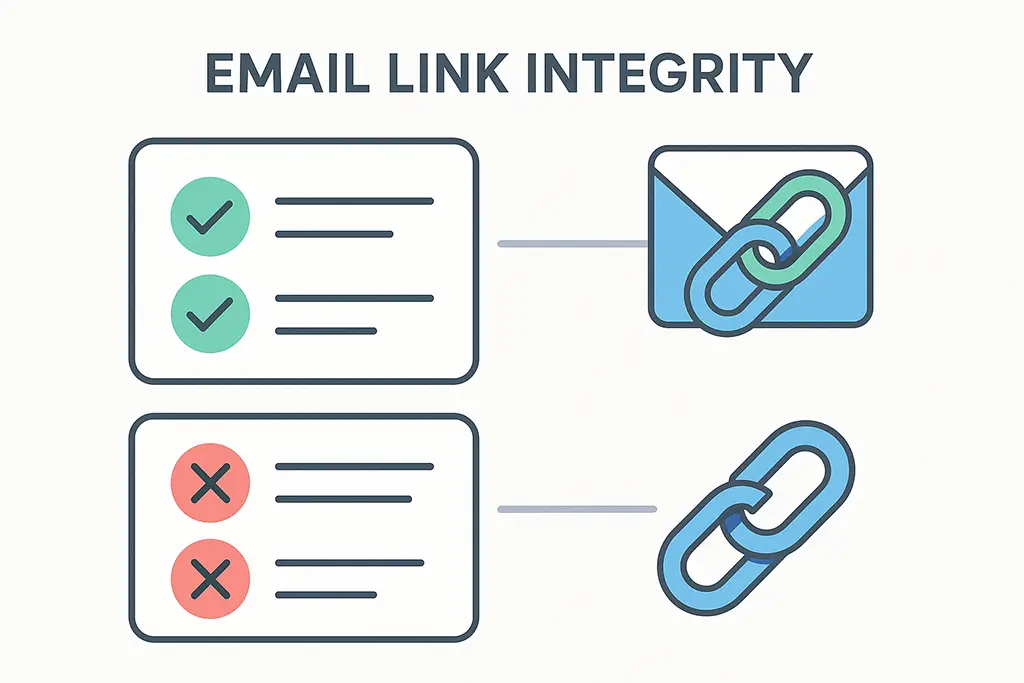
Designing Email Links for Conversion Integrity
The foundation is simple: short links should resolve in one hop, branded domains should be used consistently, and tracking parameters must survive the redirect without mutation or duplication. None of these are novel ideas. Most teams know them. Most teams also haven't verified they're actually working.
Here's a Redis-backed approach for storing and resolving email campaign links that preserves UTM parameters at write time, so they can't be lost mid-redirect:
@Service
public class EmailLinkService {

    private final RedisTemplate<String, String> redis;
    private static final Duration TTL = Duration.ofDays(90);

    // Store the full destination including UTMs at link creation time
    public String createEmailLink(String shortCode, String baseUrl, Map<String, String> utmParams) {
        UriComponentsBuilder builder = UriComponentsBuilder.fromUriString(baseUrl);
        utmParams.forEach(builder::queryParam);
        String fullDestination = builder.toUriString();

        redis.opsForValue().set("email:link:" + shortCode, fullDestination, TTL);
        return "https://vvd.im/" + shortCode;
    }

    // Resolve returns the complete URL — no parameter merging required at redirect time
    public String resolve(String shortCode) {
        return redis.opsForValue().get("email:link:" + shortCode);
    }
}
Baking UTMs into the stored destination at creation time eliminates the risk of parameter loss during redirect. It also simplifies the redirect handler — it becomes a pure lookup-and-forward with no logic that could accidentally strip or duplicate parameters.
Beyond the technical setup, landing pages should recognize email context explicitly. You can detect email traffic via UTM source and adapt the experience accordingly — suppressing banner ads that increase load time, surfacing the specific offer mentioned in the email, or skipping a generic homepage intro in favor of the conversion-focused view.
Measuring What Actually Matters
Opens and clicks are inputs to a system. The outputs are post-click behaviors: time to first interaction, scroll depth, form start rate, return visit rate within the attribution window, and assisted conversion rate. These signals tell you whether the email and landing page are working together or working against each other.
Scroll depth is particularly underused. If a large share of email traffic scrolls less than 25% of the landing page before leaving, you have a landing page problem, not an email problem. If they scroll to 80% and still don't convert, you have an offer problem. The data to make that distinction is already in your analytics — it just requires setting up events rather than relying on the default pageview metrics.
Return visit rate within 7 days from email clicks is another signal worth tracking explicitly. In most analytics configurations, a return visit won't be attributed to email — it'll show as direct. Building a segment of users who arrived via email in the past 7 days and then tracking their subsequent conversion rate gives you the assisted conversion picture that session-based attribution misses.
Practical Fixes You Can Apply This Week
- Audit your current redirect chain end-to-end — follow a real email link through every hop and check whether UTMs survive intact
- Switch email links to 302 redirects if you're using 301s — eliminates browser caching issues from security scanner prefetches
- Add
Cache-Control: no-storeto your redirect responses for email campaign links - Test your landing pages in Gmail's in-app browser and Apple Mail WebView, not just desktop Chrome
- Set up a 7-day assisted conversion report for email clicks and compare it to your same-session attribution numbers
Tracking Integrity Checklist
- One redirect hop maximum from short link to destination
- HTTPS-only redirects — no mixed content or HTTP intermediate hops
- UTMs stored at link creation time, not appended dynamically at redirect time
- Cross-domain analytics configured if destination domain differs from short link domain
- SameSite cookie policy validated — destination cookies must be readable after cross-domain redirect
- Security scanner prefetches excluded from click metrics (filter by known scanner User-Agents)
Conclusion: Email Conversion Is a System, Not a Tactic
Improving email click-to-conversion rates requires treating the entire journey — from inbox to conversion — as a single system with multiple failure points. Subject lines and send times are levers at the top of that system. The redirect chain, cookie behavior, landing page load time, and attribution configuration are levers in the middle, and they usually have more leverage than the top.
Short links, designed carefully, support that system. They reduce visual clutter, enable reliable tracking, and allow consistent attribution across campaigns. Designed carelessly, they become the reason your conversion data is unreliable and your optimization work is built on a foundation that doesn't hold.
The best email campaigns don't chase clicks. They protect conversions — by verifying the infrastructure before assuming the creative is the problem.